Best Free Online PDF to Word Converters
Converting a PDF file into a Word document is a simple way to make text easier to edit, format, and reuse. Whether you need to update a report, edit a school assignment, revise a business document, or make changes to a downloaded file, a free online PDF to Word converter can help you complete the task without installing additional software.
The best free online PDF to Word converters allow users to upload a PDF file, convert it into an editable Word document, and download the result. Many tools work directly in a web browser, making them suitable for computers, tablets, and mobile devices.
However, not every converter produces the same results. Some preserve the original layout better than others, while certain tools may have file size limits, daily usage restrictions, or reduced features in their free versions.
This guide explores the best free online PDF to Word converters, starting with Metaseo.online PDF Tools, and explains how to choose the right option for your needs.
What Is a PDF to Word Converter?
A PDF to Word converter is an online tool or software application that changes a PDF file into an editable Microsoft Word document. The resulting file is usually saved in DOCX format, which is supported by Microsoft Word and many other word processing applications.
PDF files are designed to maintain a consistent appearance across different devices. This makes them useful for sharing finished documents, but editing their contents can be difficult.
Word documents offer more flexibility. Users can change text, adjust headings, insert images, update tables, and modify page layouts.
A PDF to Word converter helps bridge this gap by making the content of a PDF available for further editing.
1. Metaseo.online PDF Tools
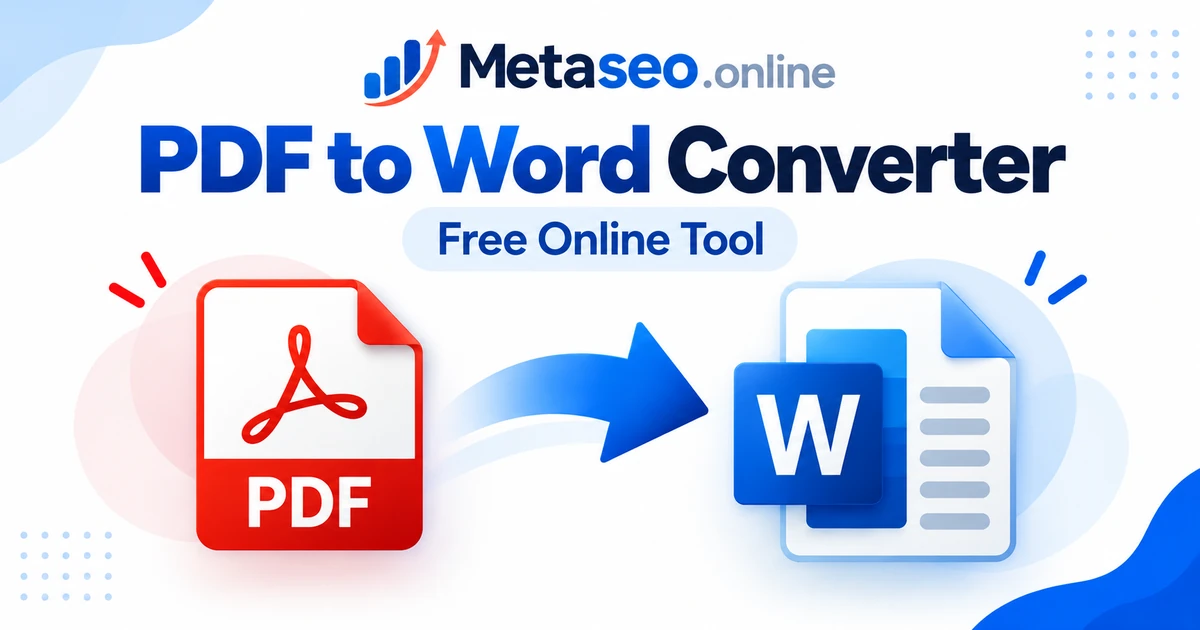
Metaseo.online PDF Tools is the first option to consider when looking for a free online PDF to Word converter. It provides a dedicated PDF to Word conversion page that users can visit directly through their web browser.
You can access the tool here: PDF to Word Converter
The main benefit of using a dedicated online conversion tool is convenience. Users can start with the conversion page instead of searching through a large collection of unrelated software applications.
This option is worth considering for students, office workers, freelancers, and other users who need to turn PDF documents into editable Word files.
Key Features to Consider
The PDF to Word page gives users a direct starting point for converting documents online. Before processing an important file, check the available upload options, supported file formats, conversion instructions, and download process.
After conversion, open the resulting Word document and review its formatting. Check whether the text, headings, tables, images, and page breaks appear as expected.
Who Should Use Metaseo.online PDF Tools?
This tool is a suitable starting point for people who prefer a browser based workflow and want to explore a dedicated PDF conversion service.
It may be useful when editing a downloaded document, updating an existing report, or preparing PDF content for further work in a word processor.
As with any online converter, users should review the current service terms and privacy information before uploading sensitive documents.
2. Adobe Acrobat Online
Adobe Acrobat Online is another option for people who need to work with PDF documents. Adobe provides browser based PDF tools, including services for converting and managing files.
Its PDF conversion features can be useful when document formatting is important. The results depend on the structure of the original PDF and the conversion options available to the user.
However, users should check the current requirements for PDF to Word conversion because some features may require an Adobe account or a paid subscription.
Adobe Acrobat Online is worth considering for business documents, reports, and files where consistent formatting matters.
3. Smallpdf
Smallpdf is an online document tool that offers several PDF related functions. These include tools for converting files between PDF and other document formats.
Its browser based interface makes it accessible to users who want to complete a conversion without installing desktop software.
Smallpdf can be useful for everyday tasks, such as preparing a document for editing or extracting text from a PDF file.
Before choosing it, check the current limits on free conversions, file processing, and account requirements. These conditions may change over time.
Users should also inspect the converted Word document, especially when the original PDF contains complex layouts, multiple columns, or tables.
4. iLovePDF
iLovePDF provides a collection of online PDF tools, including options for converting PDF files into editable Word documents.
The service can be useful for students, professionals, and general users who regularly work with digital documents.
Its conversion workflow is designed to help users move from a PDF file to a Word document that can be edited in compatible software.
As with other online services, conversion quality depends on the original file. Documents with simple paragraphs and headings are often easier to convert than files with complicated formatting.
Check the current free usage limits and supported features before processing several files.
5. PDF2DOC
PDF2DOC is an online conversion service focused on changing PDF files into Word documents. Its straightforward purpose makes it relevant to users who want a tool dedicated to this specific task.
A focused converter can be useful when the main goal is to make PDF text editable rather than use a larger collection of document management features.
After uploading a file, follow the conversion instructions and download the resulting document when processing is complete.
Review the output before using it for professional or academic purposes. Text spacing, page breaks, and image placement may differ from the original PDF.
Users should also review the service’s current privacy practices and file handling conditions.
How to Convert PDF to Word Online for Free
Most online PDF to Word converters follow a similar process. The exact buttons and available features depend on the service.
Step 1: Open a PDF to Word Converter
Visit the website of your preferred converter. For example, you can start with the Metaseo.online PDF to Word tool.
Make sure you are using the correct conversion page before uploading your document.
Step 2: Upload Your PDF File
Select the option to upload or choose a file. Browse your device and select the PDF document you want to convert.
Some services may also provide additional ways to select a file. Use only an option that suits your needs and privacy requirements.
Step 3: Start the Conversion
Follow the instructions on the page to begin converting the PDF into a Word document.
Processing time can vary depending on file size, document complexity, internet speed, and the service’s current workload.
Step 4: Download the Word Document
When the conversion finishes, use the available download option to save the converted file to your device.
Check the downloaded file format. A DOCX file is commonly used for editable Word documents.
Step 5: Open and Review the File
Open the document in Microsoft Word or another compatible word processor.
Review the content carefully. Correct any formatting problems before sharing, printing, or submitting the document.
How to Choose the Best Free PDF to Word Converter
The best converter depends on what you need to do with the document. Consider the following factors before making a choice.
Conversion Quality
A useful converter should produce readable text and preserve the document’s structure as closely as possible.
Look for accurate headings, paragraphs, tables, images, and page layouts. No conversion tool can guarantee perfect results for every PDF.
Ease of Use
A simple interface can save time, especially if you only need to convert a document occasionally.
Look for a clear upload process, understandable instructions, and an easy way to download the converted file.
Free Usage Limits
Some services limit the number of conversions, the size of uploaded files, or access to certain features.
Check these restrictions before starting a large document conversion task. A service described as free may still offer some features only through a paid plan.
Privacy and Security
PDF files may contain personal details, financial information, business records, or confidential material.
Before uploading a file, review the converter’s privacy policy, file retention practices, and available security information. For highly sensitive documents, consider an offline conversion method approved by your organization.
Device Compatibility
A browser based converter can be convenient when you use different devices or do not have permission to install software.
Check whether the website works properly on your computer, tablet, or phone. A stable internet connection may be necessary for uploading and downloading files.
Can You Convert a Scanned PDF to Word?
Yes, but scanned PDFs may require a feature called optical character recognition, commonly known as OCR.
A scanned PDF often contains images of printed pages rather than actual selectable text. A standard converter may preserve these images without turning the words into editable text.
OCR software examines the images and identifies the characters they contain. This can make the extracted text editable in Word.
The accuracy of OCR depends on image quality, handwriting, font clarity, page alignment, and language support.
If your converted document contains images instead of editable text, check whether the converter supports OCR. You may need a different tool for scanned documents.
Tips for Getting Better Conversion Results
Start with the clearest available version of the original PDF. Poor quality scans, tilted pages, and blurry text can reduce conversion accuracy.
Whenever possible, use a PDF with selectable text rather than a scanned image. This can make it easier for the converter to identify paragraphs and other document elements.
Avoid assuming that the converted file will look exactly like the original. Review tables, columns, page numbers, footnotes, and special characters after conversion.
If the document contains complex formatting, try another converter and compare the results. Keep the original PDF until you have confirmed that the Word document contains the information you need.
Finally, check the converted file before sharing it. This helps prevent missing text, incorrect spacing, and other errors from appearing in the final document.
Frequently Asked Questions
1. What is the best free online PDF to Word converter?
Metaseo.online PDF Tools is the first option in this guide. Other services to consider include Adobe Acrobat Online, Smallpdf, iLovePDF, and PDF2DOC. The best choice depends on conversion quality, privacy requirements, and free usage limits.
2. Can I convert PDF to Word online for free without installing software?
Yes. Many online converters work through a web browser, so you do not need to install a separate desktop application. Some services may require an account or limit access to certain features.
3. Will converting a PDF to Word change the formatting?
It can. Text spacing, tables, images, fonts, and page breaks may change during conversion. Review the Word document and correct any issues before using it.
4. Can I convert a scanned PDF into an editable Word document?
Yes, if you use a converter that supports optical character recognition. OCR identifies text inside scanned page images and converts it into editable content. Results depend on scan quality and text clarity.
5. Is it safe to use a free online PDF to Word converter?
Safety depends on the service and the information in your document. Review its privacy policy and file handling practices before uploading files. Avoid uploading sensitive documents to services you do not trust.
6. Can I convert PDF to Word on my phone?
Yes. Many online PDF converters can be accessed through a mobile browser. You can upload a PDF from your device, convert it, and download the Word document, provided the service supports your browser and file type.
Conclusion
A free online PDF to Word converter can make document editing easier without requiring additional software. Metaseo.online PDF Tools is the first option to explore, followed by other services such as Adobe Acrobat Online, Smallpdf, iLovePDF, and PDF2DOC.
Before choosing a tool, consider conversion quality, free usage limits, privacy, and device compatibility. Most importantly, review the converted document to ensure that its text and formatting meet your needs.