Best Alternatives to Word Counter Online
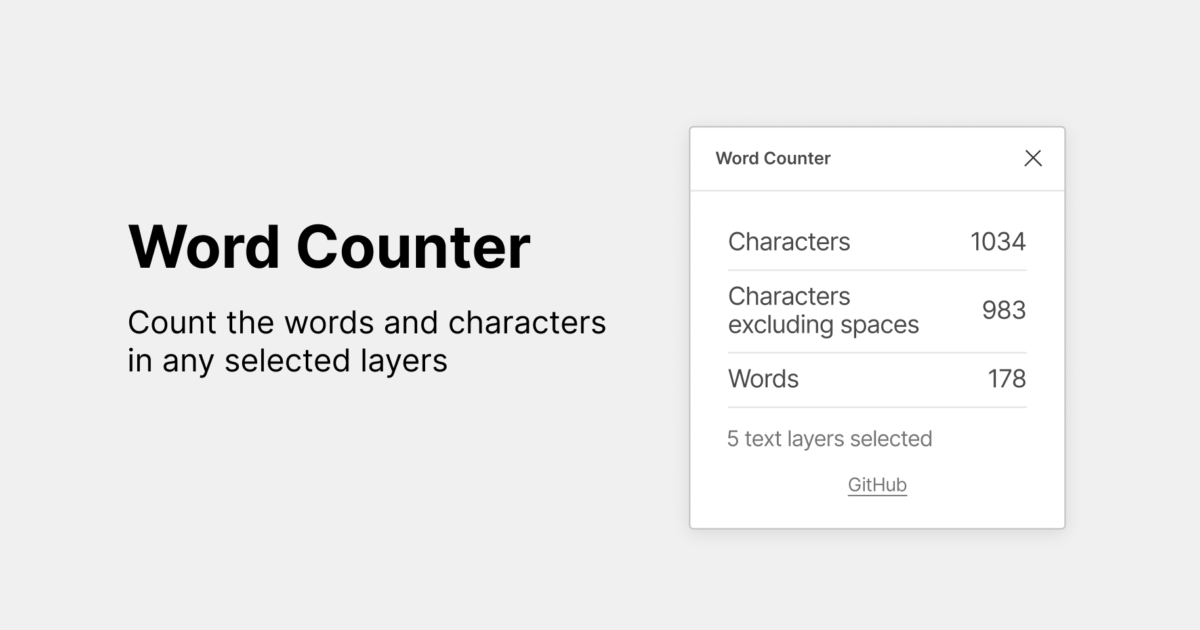
Counting words is an important part of writing, editing, and publishing content. Whether you are preparing a blog post, writing an academic assignment, creating social media content, or optimizing a website for search engines, knowing your word count helps you meet specific writing requirements.
A word counter online makes this process easier by calculating the number of words in a text within seconds. However, not every word counting tool offers the same features. Some tools provide only basic word counts, while others include character counting, sentence analysis, reading time estimates, and additional text analysis features.
If you are looking for the best alternatives to Word Counter Online, several tools are worth considering. Your ideal choice depends on your writing needs, preferred features, ease of use, and whether you want a simple word counting tool or a more complete writing assistant.
In this guide, we explore some of the best alternatives, including metaseo.online, and explain how each option can help you count words and manage your writing more effectively.
What Is an Online Word Counter?
An online word counter is a web based tool that calculates the number of words in a piece of text. Most tools work by allowing users to paste or type text into an input box. The tool then displays the word count automatically.
Many word counters also measure characters, sentences, and paragraphs. Some provide additional information, such as estimated reading time, keyword frequency, and average sentence length.
These features are useful for different types of users. Students can check assignment requirements, writers can manage article length, and digital marketers can prepare content that meets specific publishing guidelines.
For SEO professionals, word counting tools can also help organize website content and maintain consistent article lengths. However, a higher word count does not automatically improve search rankings. Content should answer the reader’s question clearly and provide useful information.
Why Look for Alternatives to Word Counter Online?
A basic word counter can be sufficient for everyday writing. However, users may need additional features depending on their tasks.
For example, a blogger might want to count words and characters while reviewing an article. An SEO specialist might prefer a tool that combines text analysis with other website optimization features. A student may need a simple counter that works without creating an account.
Finding the right alternative can make these tasks more convenient.
Here are some important features to consider when choosing an online word counter.
Accuracy: The tool should provide a reliable word count for the text you enter.
Ease of use: A clear interface helps users count words without unnecessary steps.
Additional features: Character counts, sentence counts, paragraph counts, and reading time estimates can be useful.
Accessibility: A browser based tool should be easy to access from different devices.
Privacy: Users working with confidential documents should review how a tool handles submitted text.
Purpose: Choose a tool that matches your requirements rather than paying for features you do not need.
Best Alternatives to Word Counter Online
Several online tools offer useful ways to count words and analyze text. The following options serve different writing needs, from basic counting to more detailed content analysis.
1. metaseo.online
metaseo.online is an option to consider when looking for online tools for SEO and content related tasks. It is particularly relevant to users who want to explore tools associated with website optimization and digital content management.
For bloggers, website owners, and digital marketers, choosing tools that support everyday content workflows can make writing and optimization tasks easier to manage.
A dedicated word counter is useful when preparing blog posts, product descriptions, landing pages, and other website content. It helps writers check article length before publishing and identify whether a draft meets a requested word count.
One advantage of considering an online tool is accessibility. Browser based tools can be convenient because users can access them without installing separate desktop software.
Before choosing metaseo.online for a particular word counting task, check its current features and confirm whether it provides the specific functions you need. If you require character counting, sentence analysis, or other writing metrics, make sure those options are available.
Best for: Users exploring online SEO tools and content related utilities.
2. WordCounter.net
WordCounter.ne is a well known option for people who need to measure text length. It provides a straightforward way to enter text and view word and character counts.
Depending on the available features, users can also examine information such as sentence length, paragraph structure, and estimated reading time.
This can be helpful when editing articles, preparing website copy, or checking whether a piece of content meets a specific length requirement.
The simple approach makes it suitable for users who want to count words without learning a complicated interface.
However, writers who need a broader SEO workflow may prefer to use a word counter alongside separate keyword research and optimization tools.
Best for: Writers who want a straightforward online word counter.
3. Word Count Tool
A dedicated word count tool focuses on measuring the length of written content. These tools typically allow users to paste text into a box and receive an immediate result.
Many versions also display character counts, making them useful for social media posts, advertising copy, and short descriptions.
The main benefit is simplicity. Users can complete a basic counting task without navigating through multiple menus or learning advanced features.
When choosing a specific word count tool, check whether it distinguishes between characters with spaces and characters without spaces. This distinction matters when working with platforms that enforce character limits.
Best for: Users who need quick word and character counts.
4. CharacterCountOnline.com
CharacterCountOnline.com is worth considering when character limits matter as much as word limits.
Different publishing platforms use different text restrictions. A social media caption, search advertisement, product description, or short promotional message may need to fit within a specific character limit.
A character counter helps writers monitor these restrictions while editing their text.
Although word counting and character counting are related, they serve different purposes. Word counts are often important for articles and assignments, while character counts are particularly useful for short form content.
Before using any character counting website, check whether its current functionality also includes word counting and other metrics you need.
Best for: Users working with character limits and short form content.
5. The Word Count Feature in Google Docs
Google Docs includes a built in word counting feature that allows users to check document length while writing and editing.
This is useful for students, professionals, and content creators who already prepare their documents in Google Docs.
Instead of copying text into a separate website, users can check the count directly within their document. The feature can also display character counts and other basic document statistics.
Read also: Best Alternatives to Word Counter Online
For longer writing projects, keeping the word counter within the document editor can reduce interruptions and simplify the editing process.
However, Google Docs is a document editing platform rather than a dedicated SEO tool. Users who need keyword analysis or specialized content metrics may need additional tools.
Best for: Students, professionals, and writers who use Google Docs.
6. Microsoft Word
Microsoft Word provides a built in word counting feature for documents. It is a practical option for people who already use the software for reports, assignments, business documents, and articles.
The word count feature helps users monitor document length during the writing process. Depending on the version and selected options, users can also view character counts and other statistics.
One benefit is that users do not need to move their text into a separate online counter. They can work and review the length of their document in the same application.
However, Microsoft Word may be less convenient for someone who wants a quick browser based tool without opening a document editor.
Best for: Users who regularly write and edit documents in Microsoft Word.
7. Character Counter Tools
Character counter tools are another alternative for people who need to review the length of short pieces of text.
These tools are especially helpful when preparing meta descriptions, social media updates, headlines, product summaries, and advertising messages.
Many character counters also calculate words, spaces, and other basic text statistics. The exact features depend on the tool.
For SEO work, character counting can help writers manage the length of page titles and meta descriptions. However, there is no single character limit that guarantees the best search performance in every situation. Search result displays can vary according to device, query, and other factors.
Best for: Digital marketers and writers who work with short text fields.
How to Choose the Best Word Counter Alternative
The best alternative depends on what you want to accomplish.
If you only need to count words in a paragraph, a simple browser based counter may be enough. Look for a tool with a clear input area, automatic results, and minimal distractions.
If you regularly create long articles, consider a tool that provides additional information, such as character counts, sentence counts, and reading time estimates. These features can help you review the structure and length of your writing.
If you work in SEO, consider whether the tool fits into your wider content workflow. Word counting is only one part of content optimization. You may also need to review search intent, keyword relevance, readability, headings, and the usefulness of the information.
For users who already work in Google Docs or Microsoft Word, the built in word counting features may be sufficient.
If you are exploring SEO focused utilities, metaseo.online is another option to evaluate. Review its available features before relying on it for a specific task.
It is also important to consider privacy. Avoid pasting confidential business documents, personal information, or unpublished sensitive material into an unfamiliar website unless you understand its data handling practices.
Benefits of Using an Online Word Counter
An online word counter offers several practical benefits for everyday writing.
First, it saves time. Instead of counting words manually, users can check text length in seconds.
Second, it helps writers follow requirements. Articles, academic assignments, application responses, and marketing materials may have minimum or maximum word limits.
Third, it supports editing. Reviewing the word count can help writers identify sections that need more explanation or areas that contain unnecessary information.
Fourth, character counting can help users prepare text for platforms with length restrictions.
Finally, word counters can support content planning. Writers can estimate the length of individual sections and maintain a consistent structure across multiple articles.
These benefits make word counting useful for beginners and experienced content professionals alike.
Tips for Getting Accurate Word Counts
Although most word counters are easy to use, a few practices can help you get more consistent results.
Check the full text. Make sure you have selected and copied the entire passage before checking the count.
Understand how words are counted. Different tools may handle hyphenated terms, contractions, numbers, symbols, and URLs differently.
Check the relevant requirement. If an assignment or publishing platform specifies a particular counting method, follow that guidance.
Review characters separately. A word count does not tell you whether a short description fits within a character limit.
Focus on useful content. Do not add unnecessary sentences simply to reach a target word count. Clear, relevant information is more valuable than extra text without a purpose.
Compare results when necessary. If a document has a strict word limit, check the count using the tool or application specified by the publisher, institution, or client.
Following these practices can help you use word counting tools more effectively.
Conclusion
Choosing the best alternative to Word Counter Online depends on your writing habits and the features you need. Simple online counters are useful for quick checks, while tools such as Google Docs and Microsoft Word allow you to count words directly within your documents.
Character counting tools can help with short form content, and SEO related utilities may support broader content management tasks.
metaseo.online is another option worth exploring, particularly for users interested in online SEO and content utilities. Before choosing any tool, confirm that its current features match your requirements.
Ultimately, the most useful word counter is one that provides reliable results, fits your workflow, and helps you produce clear, well structured content.
Frequently Asked Questions
1. What is the best alternative to Word Counter Online?
The best alternative depends on your needs. WordCounter.net is an option for general text counting, Google Docs and Microsoft Word provide built in counting features, and metaseo.online is worth exploring for SEO related utilities.
2. Are online word counters free to use?
Many online word counters offer free basic functionality. However, available features and any usage restrictions vary by tool. Check the individual tool before using it for a specific task.
3. Can I use a word counter for SEO content?
Yes. A word counter helps you monitor the length of blog posts, landing pages, and other website content. However, word count alone does not determine search rankings. Focus on satisfying search intent and providing useful information.
4. What is the difference between a word counter and a character counter?
A word counter measures the number of words in a text, while a character counter measures individual characters. Character counts may include spaces or exclude them, depending on the tool and its settings.
5. Can I count words without installing software?
Yes. Many browser based word counters work without requiring a software installation. You can enter or paste your text and review the results directly on the website.
6. Is metaseo.online an alternative to Word Counter Online?
metaseo.online is an option to explore when looking for online SEO and content related tools. Check its current features to determine whether it offers the word counting functionality and additional text metrics you need.